Logical Numbers
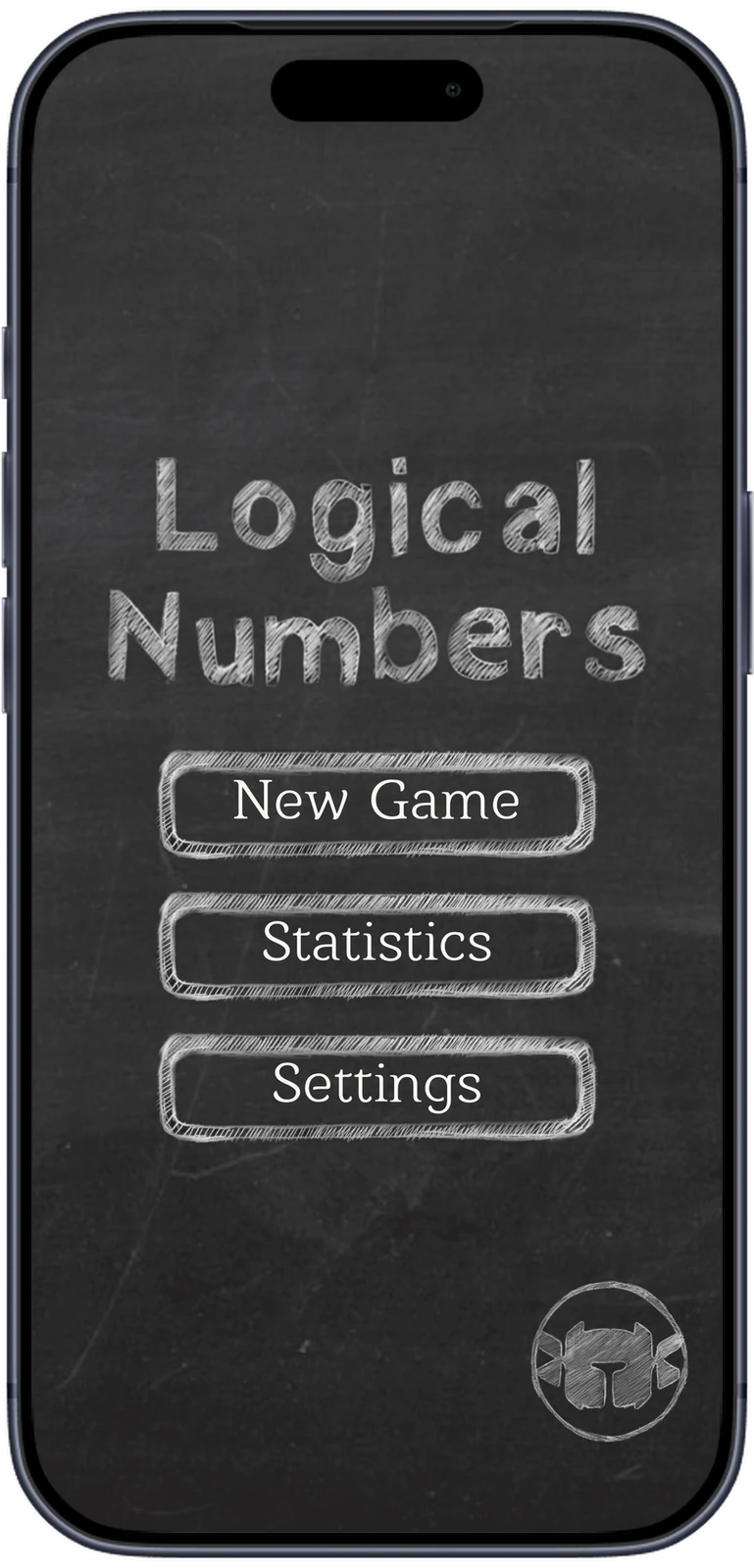
Our own chalkboard number puzzle, first released in 2018 and rebuilt in 2026. Pair numbers that match or make ten, and work around tough cells, chained cells and the clock.
4
ways to play, two players on one device included
5
boosts, paid for with coins earned in play
50+
automated tests, some playing the real scene
0
ads, in-app purchases or data collected
- Product
- Our own game
- Stores
- App Store and Google Play
- Platforms
- iOS and Android, phone and tablet
- Our part
- Game design, art, code and releases
- Timeline
- First released 2018, rebuilt in 2026
The brief.
Context
Logical Numbers grew out of a pencil-and-paper game: a grid of digits where you cross out pairs that are equal or add up to ten. The first version came out in 2018. It is our own product, from the rules and the chalk art to the code and the store releases.
Challenge
The original build was on Unity 2020 and no longer met Google Play's current requirements: target API level 35 and 16 KB memory pages. Players had years of coins and statistics in save files on their devices, and an update could not lose them. The look had to stay as it was: chalk on a slate, colour only where it means something.
Approach
We rebuilt the game on Unity 6 with UI Toolkit only. The rules live in a core with no UI, seven screens are laid out in UXML and USS, and saves still read the INI files players already have. Tests click through the real scene, and one pipeline ships to Google Play and TestFlight.
Pair it. Make ten.
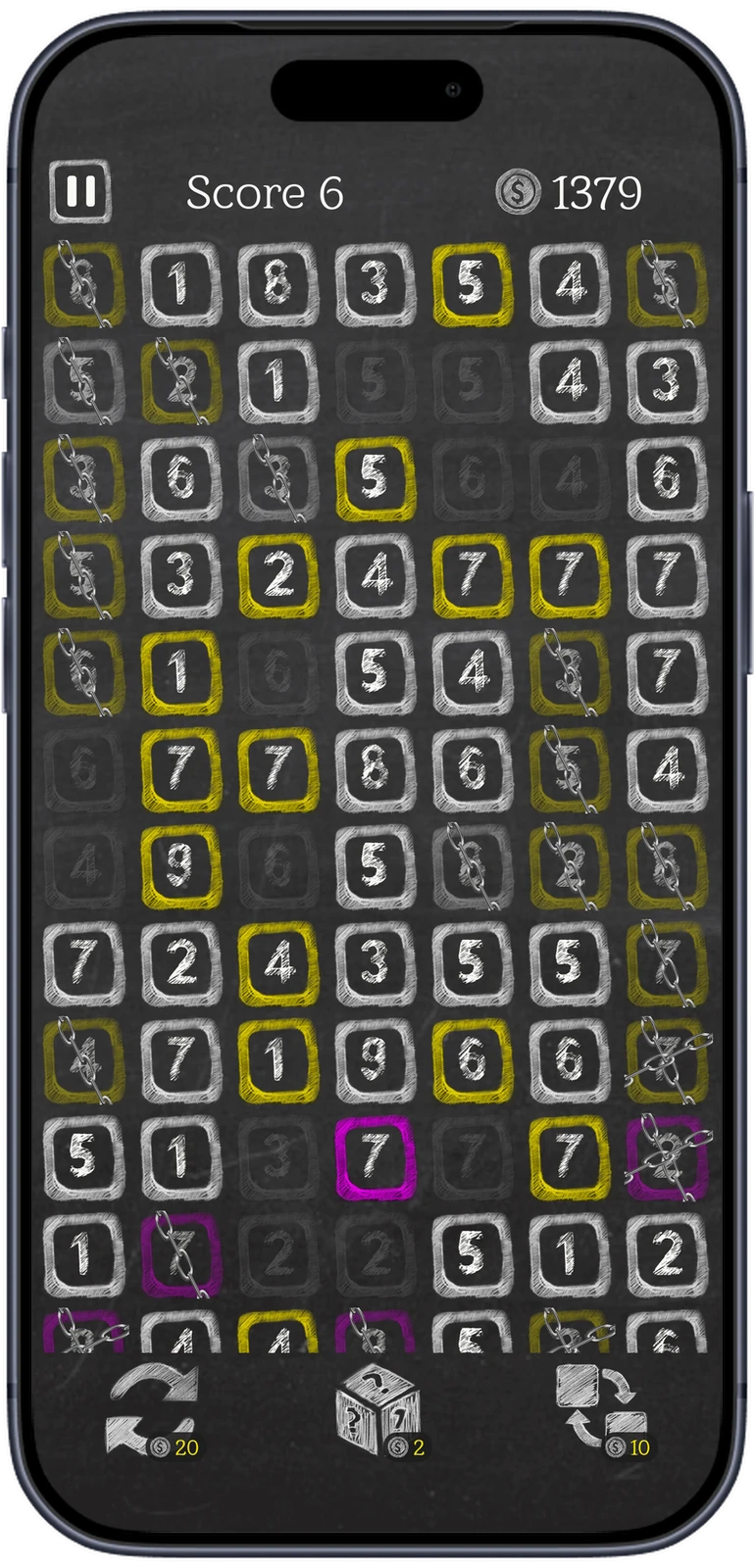
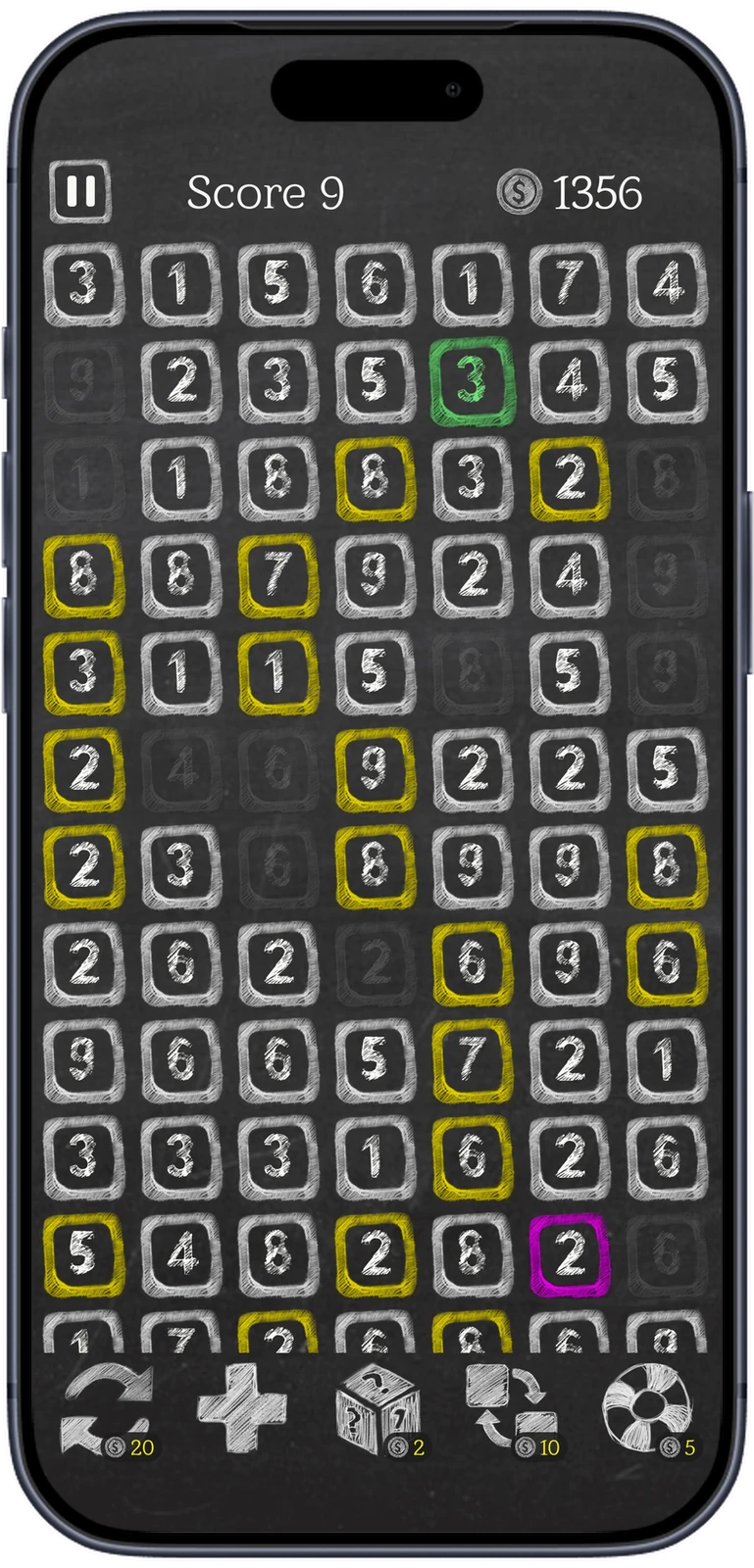
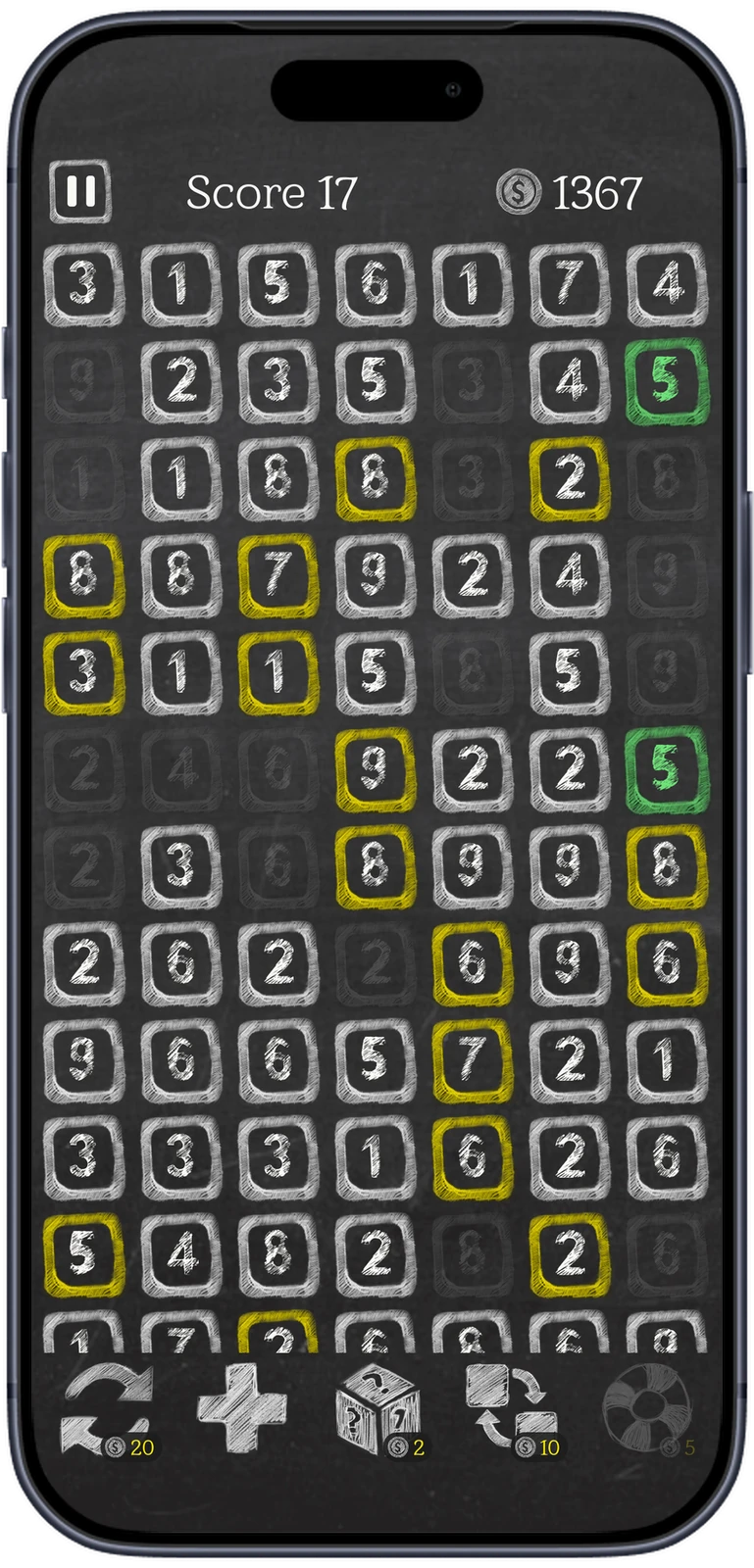
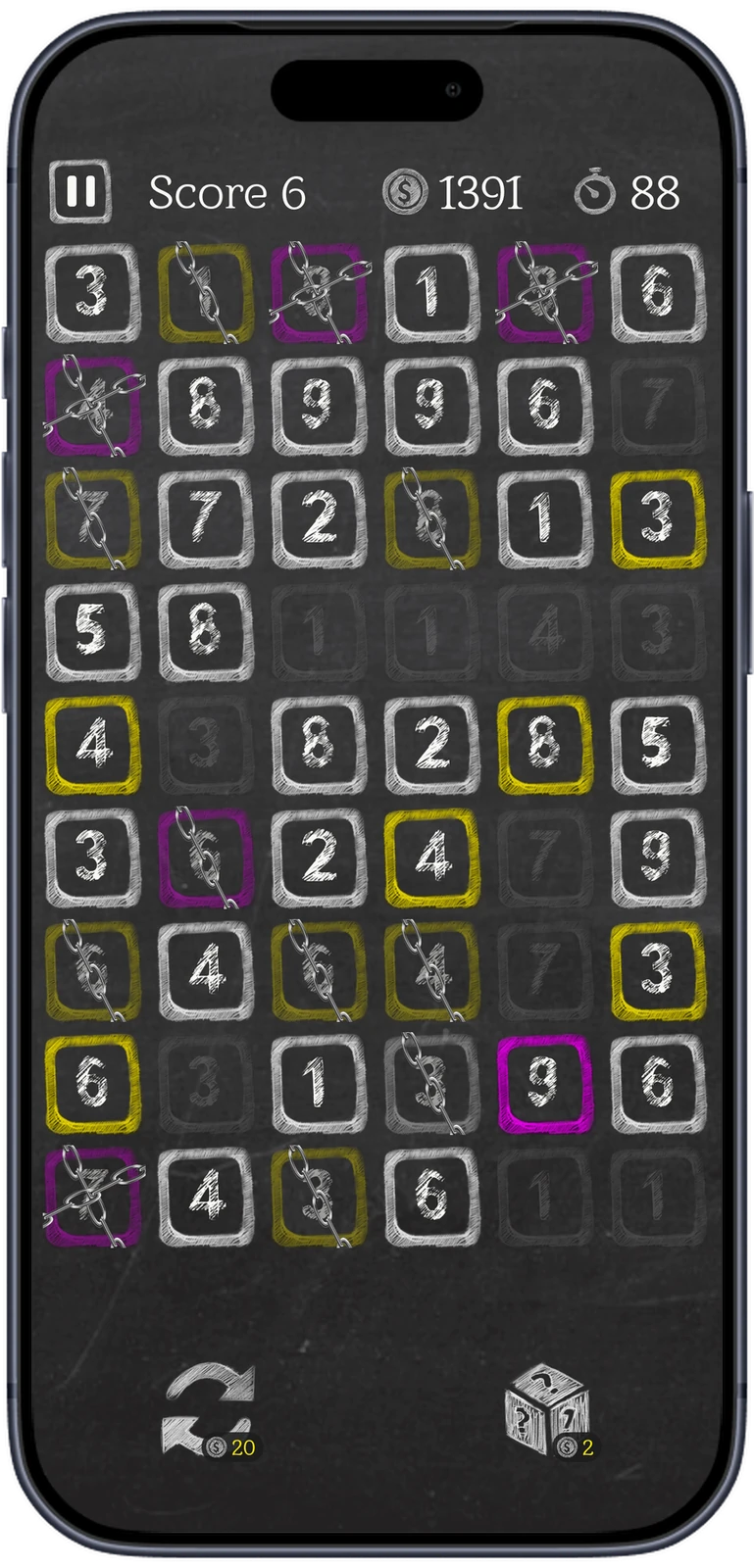
Tap two numbers that are equal or add up to ten, with only cleared cells between them, along a row or down a column. Rows wrap, so the end of one runs on into the next. Every pair scores, and taking the same number again builds a series worth up to five points a pair.
- A full row disappears. Add line deals fresh numbers when no pair is left.
- Stuck? Hint lights up a valid pair, for coins.
Tough cells, chains and coins.
Tough cells, outlined in yellow or magenta, take two or three matches to clear. A chained cell cannot be picked until a pair made right beside it breaks the chain. Scoring earns coins, and coins buy boosts: Hint, Swap, Random, Refresh and extra time on the clock.
Four ways to play.
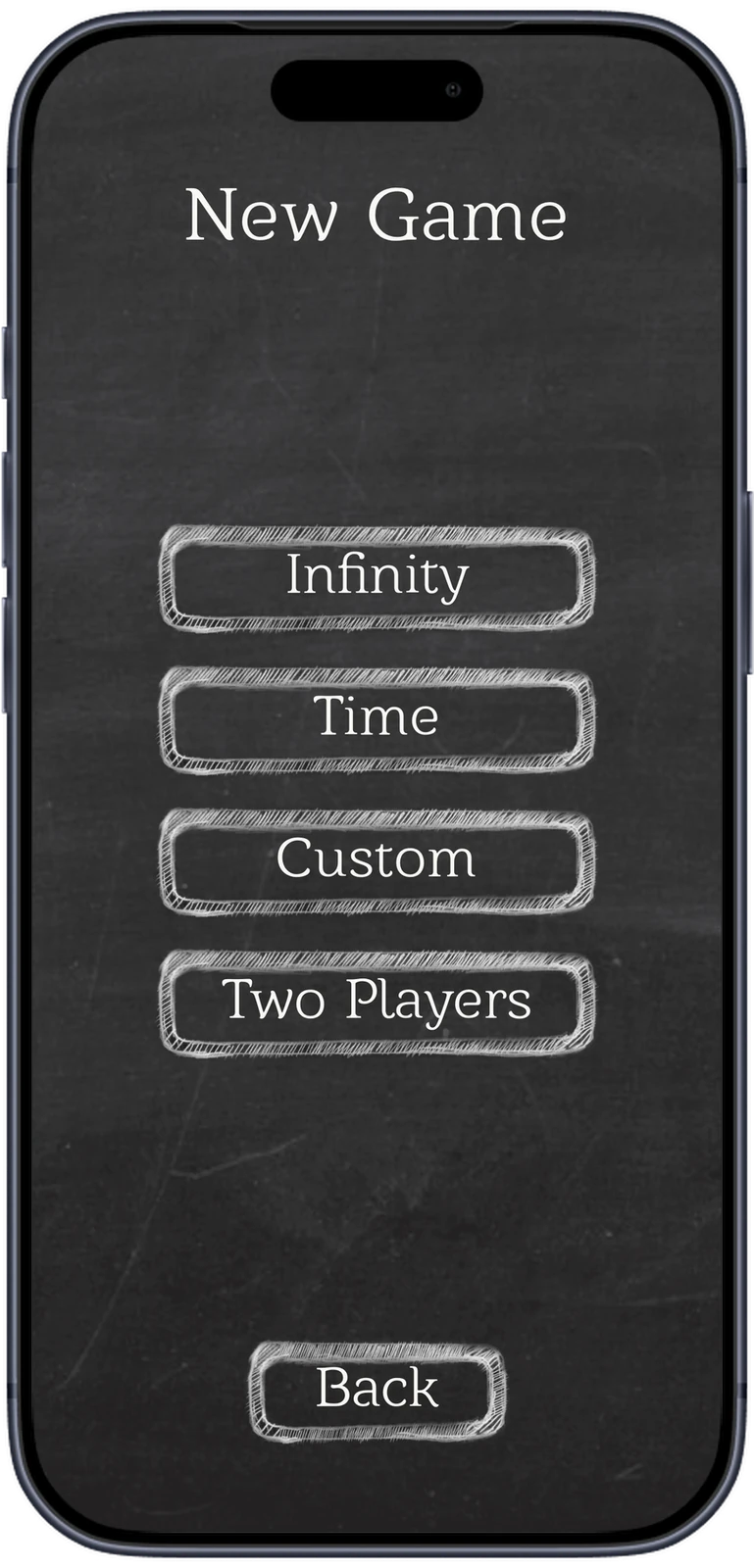
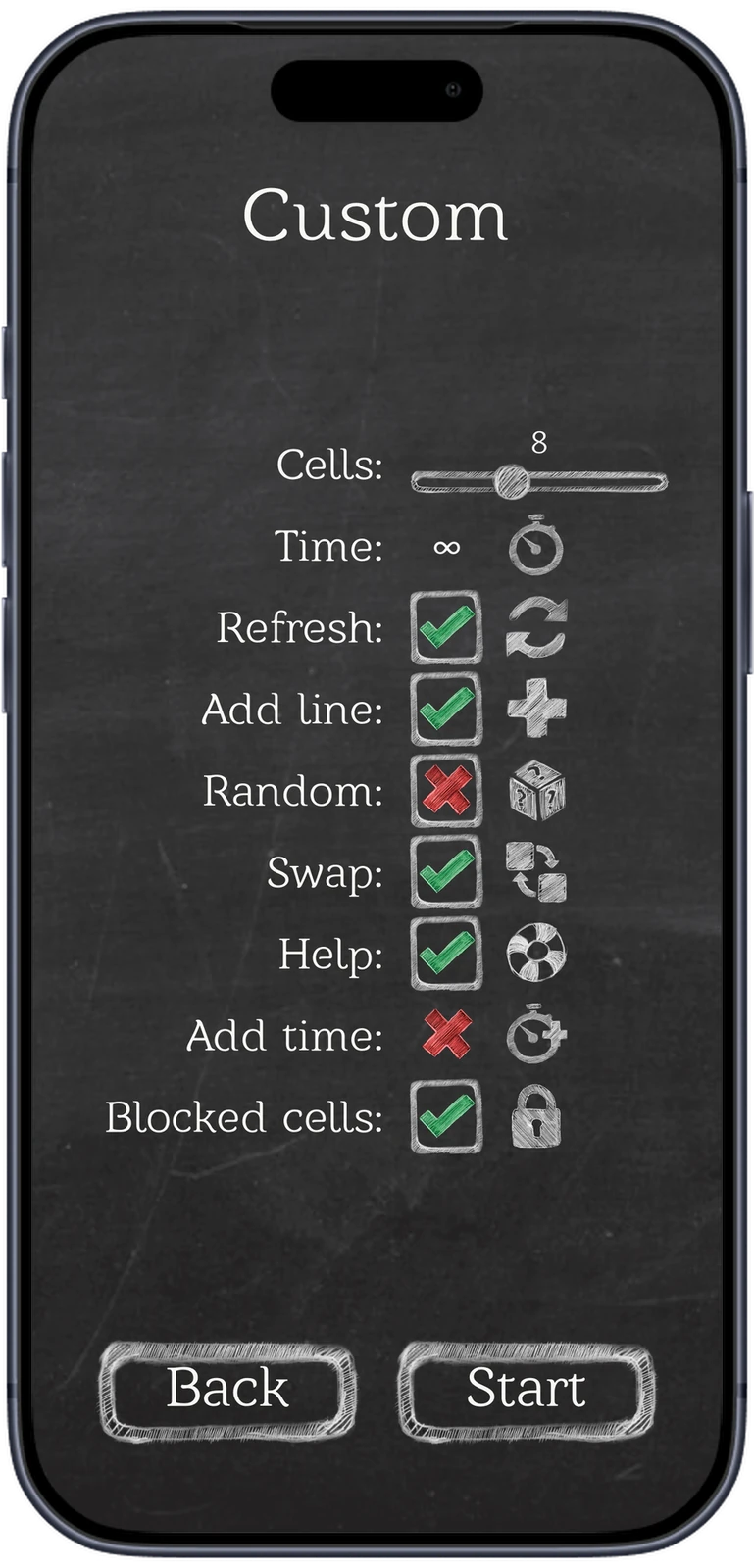
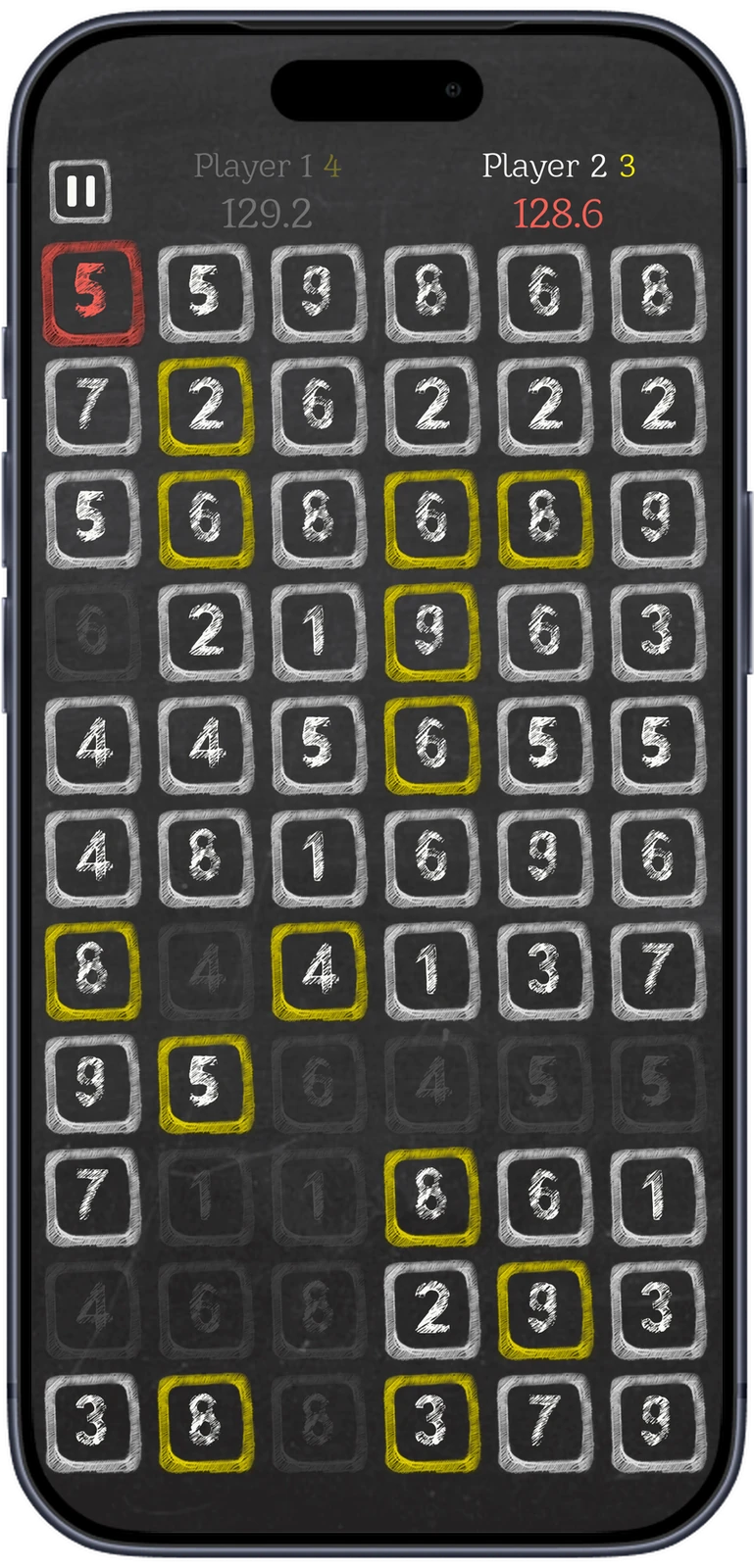
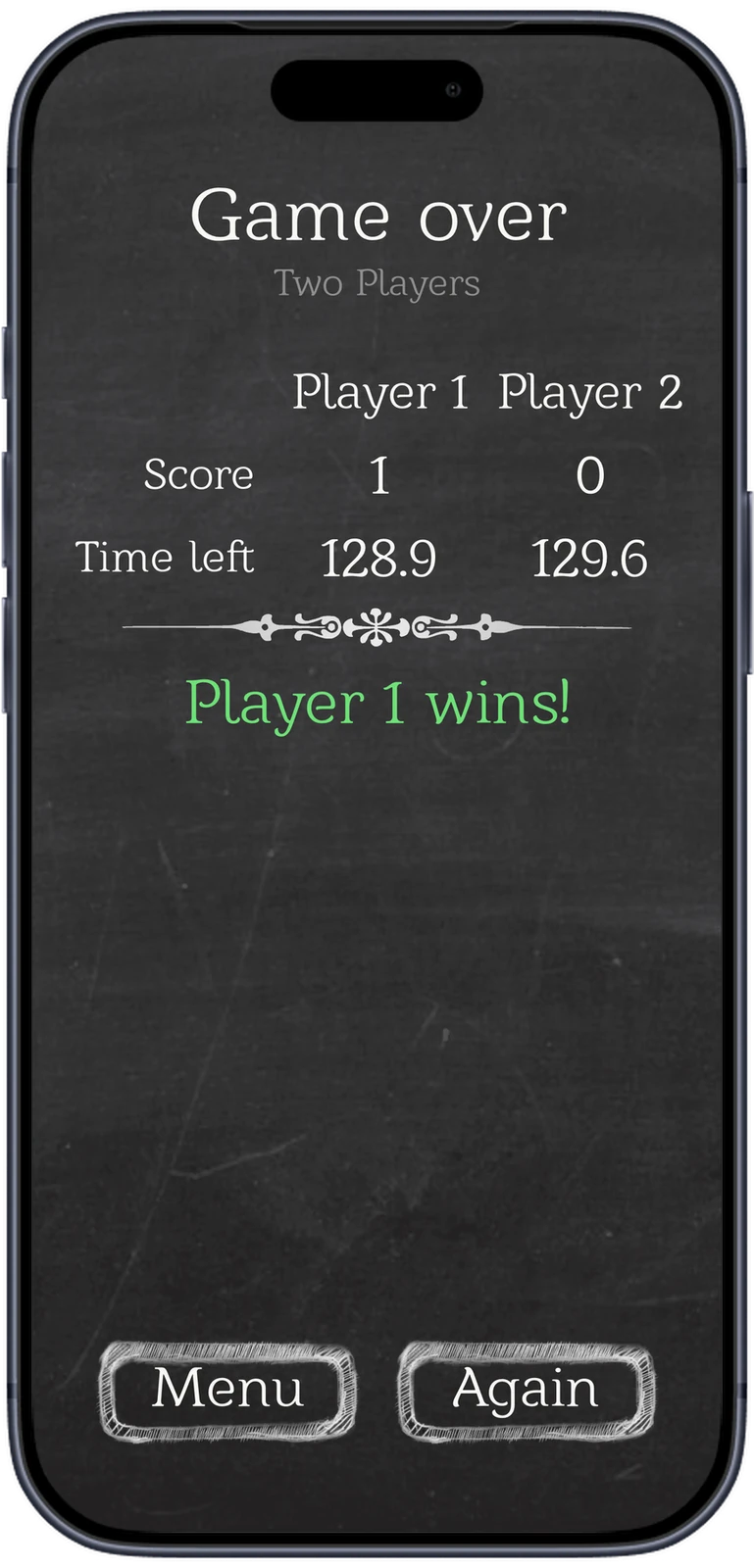
Infinity is endless, at Easy, Medium or Hard, on a board five to thirteen cells wide. Time deals a fixed board with 60, 90 or 120 seconds on the clock. Custom lets players switch boosts and chained cells on or off. Two Players share one device, each with a clock, and the higher score wins.
Every game on the record.
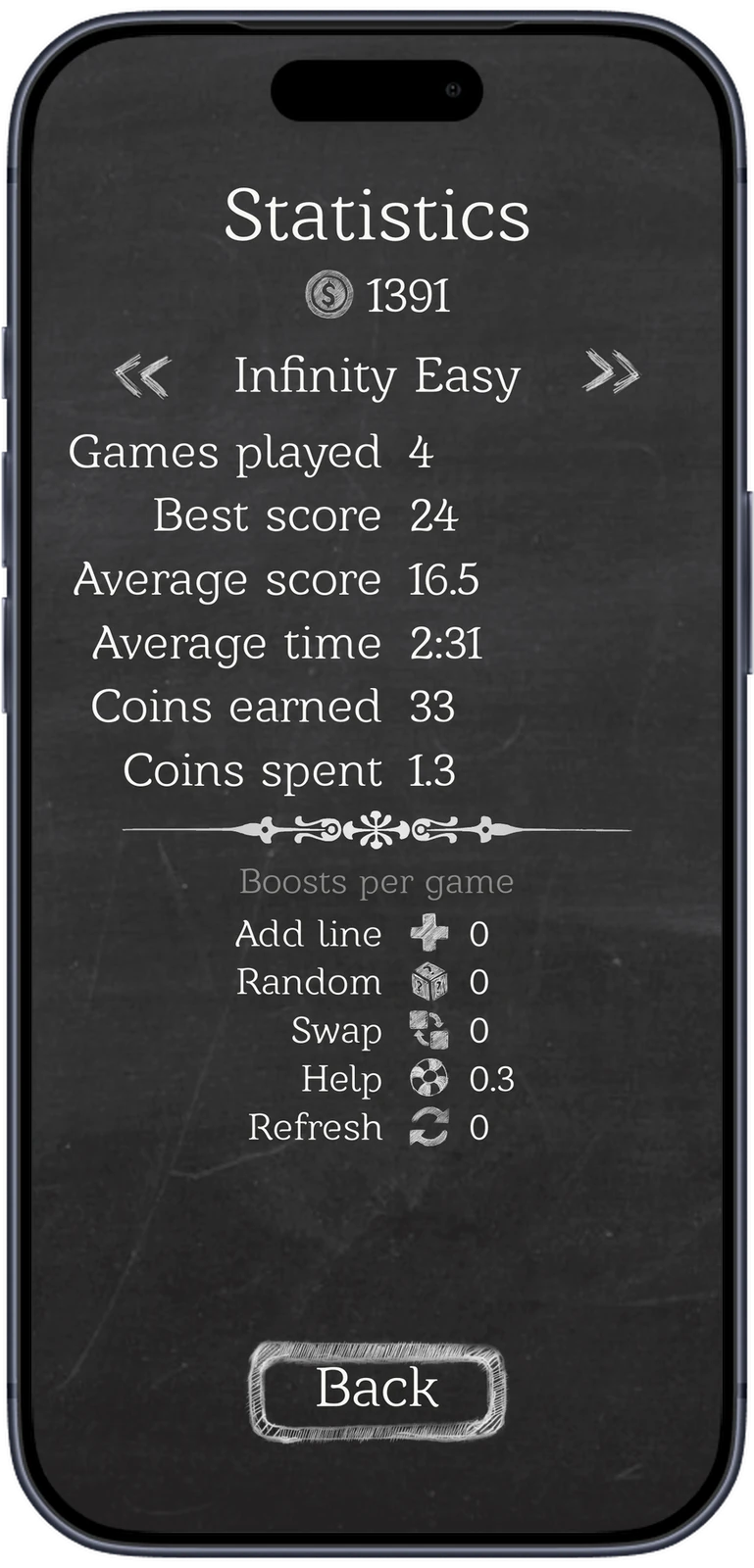
Statistics are kept for each mode and difficulty: games played, best and average score, average time, coins earned and spent, and how often each boost was used. A two-player game ends on a results screen with both scores and the time each player had left.
A rules core, tested end to end.
The rules know nothing about the screen, so boards, pairing, chains, scoring and saves are tested on their own. PlayMode tests then load the real scene and play it with real taps. The same tests render the store screenshots, so every image in the listings comes from a game that was actually played.
- Project settings own the version code. The pipeline ships exactly what is committed and never asks the store for a number.
Rules core
Board, pairing, chains, scoring, boosts and clocks in plain C#, with no UI code.
UI Toolkit
Seven screens in UXML and USS, plus a custom board control and its effects.
Saves
Coins, settings and per-mode statistics stay in the INI files players already have.
Tests
EditMode suites for rules and saves; PlayMode suites that click through the real scene.
Release
dev goes to Firebase App Distribution and TestFlight, master to Google Play and TestFlight.
Chalk on slate, colour with a job.
Everything is drawn in chalk on a dark slate: hatched digits, hand-drawn cell outlines, a flourish between results. Colour is rare and always means something. Yellow and magenta mark tough cells, green a good pair, red the second player. The steel chain is the only photographic material in the game, so chained cells stand out.
- Slate
- Chalk
- Tough cell, two hits
- Tough cell, three hits
- Match
- Second player
What we built.
Our part
- Game design and rules
- Chalk art and interface
- Rebuild on Unity 6 and UI Toolkit
- Rules engine and save compatibility
- Automated tests and store screenshots
- CI/CD, store listings and releases
Stack
- Game
- Unity 6
- C#
- UI Toolkit (UXML, USS)
- Quality
- Unity Test Framework
- EditMode and PlayMode suites
- Release
- GitHub Actions
- Fastlane
- Firebase App Distribution
- TestFlight
- Google Play
- Store tooling
- Python and Pillow for store screenshots
Have a game that needs a second life?
Let's rebuild it.
We move older Unity titles onto current engines and store requirements without losing what players already have.