
Mockup Studio on a device
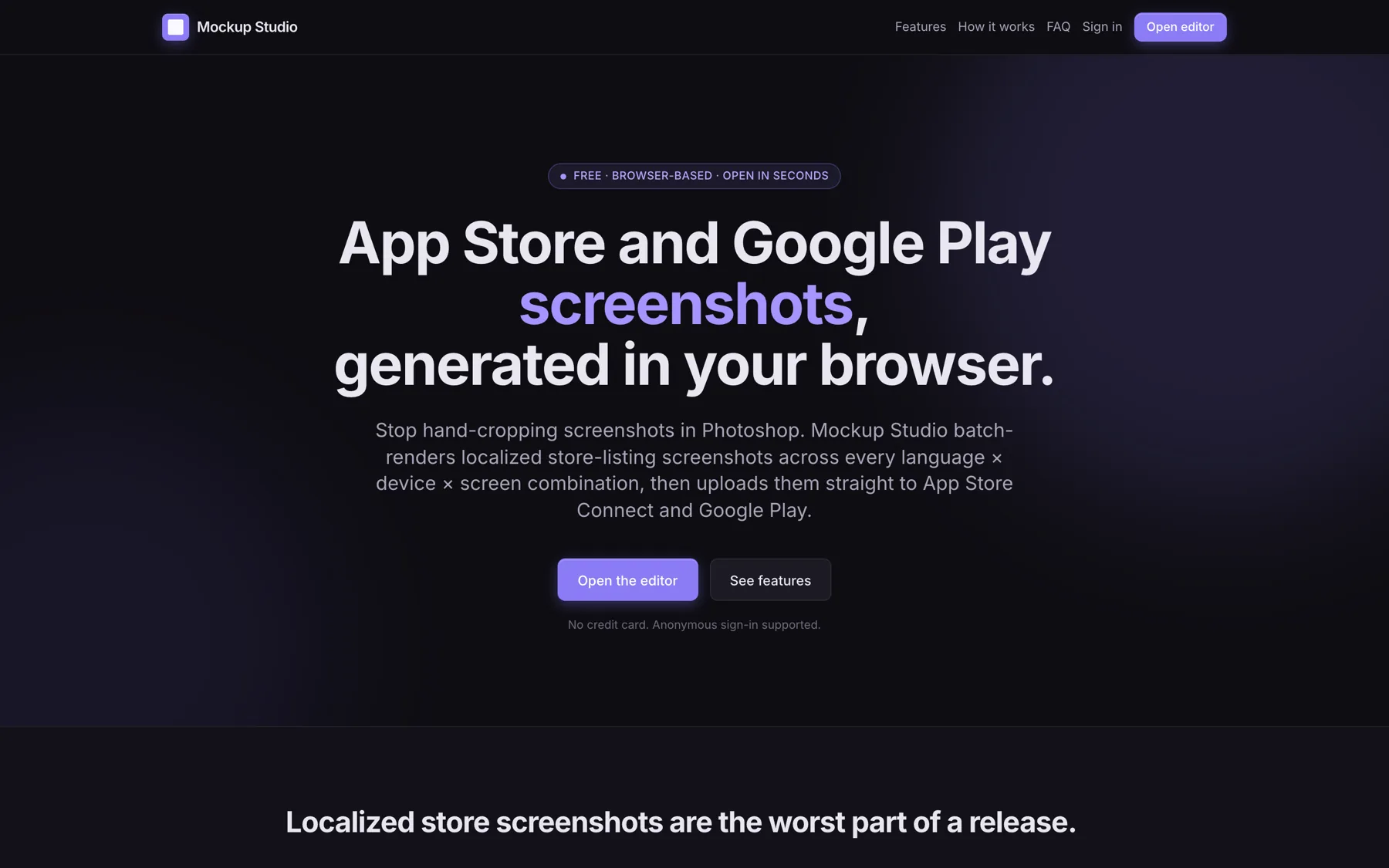
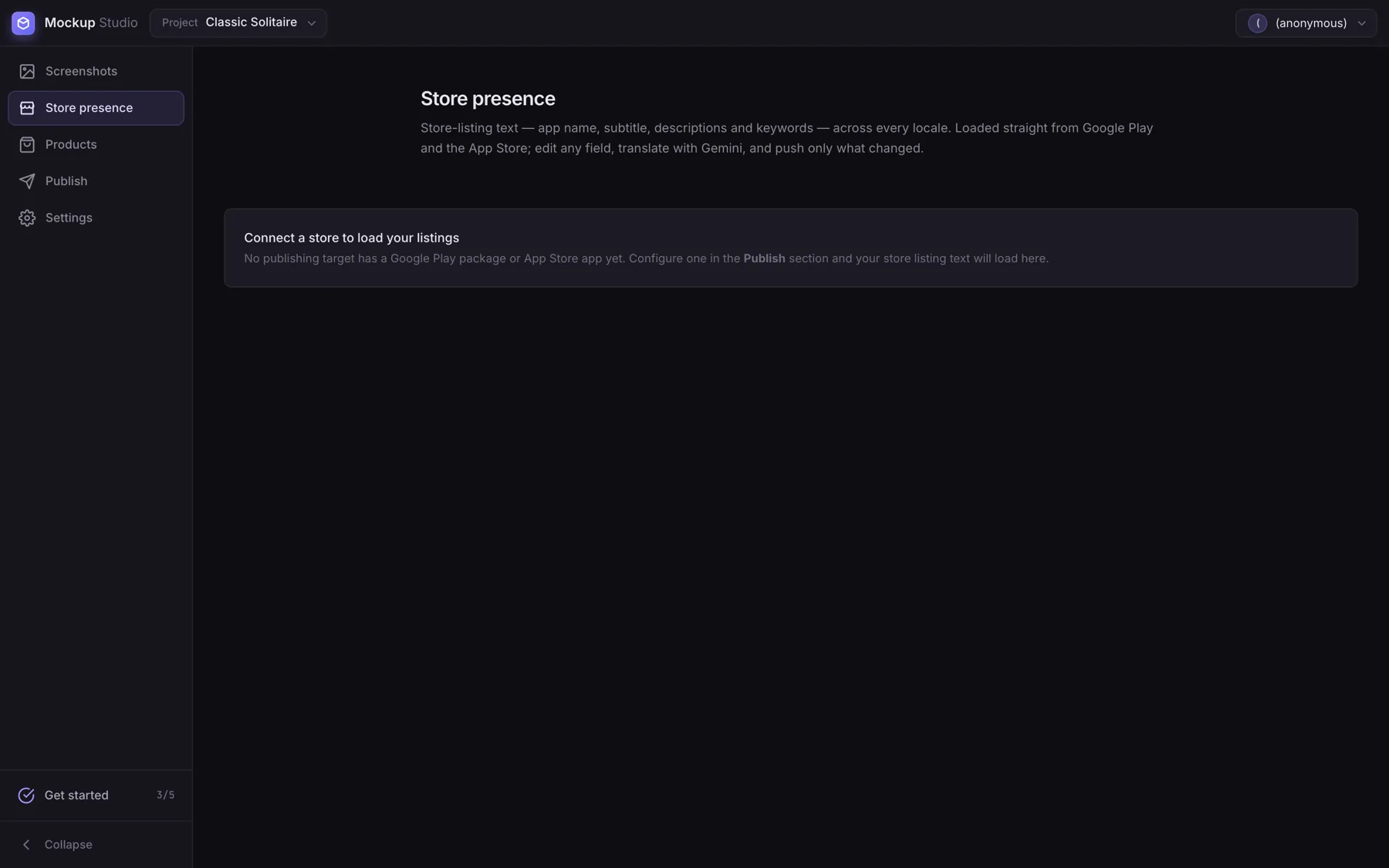
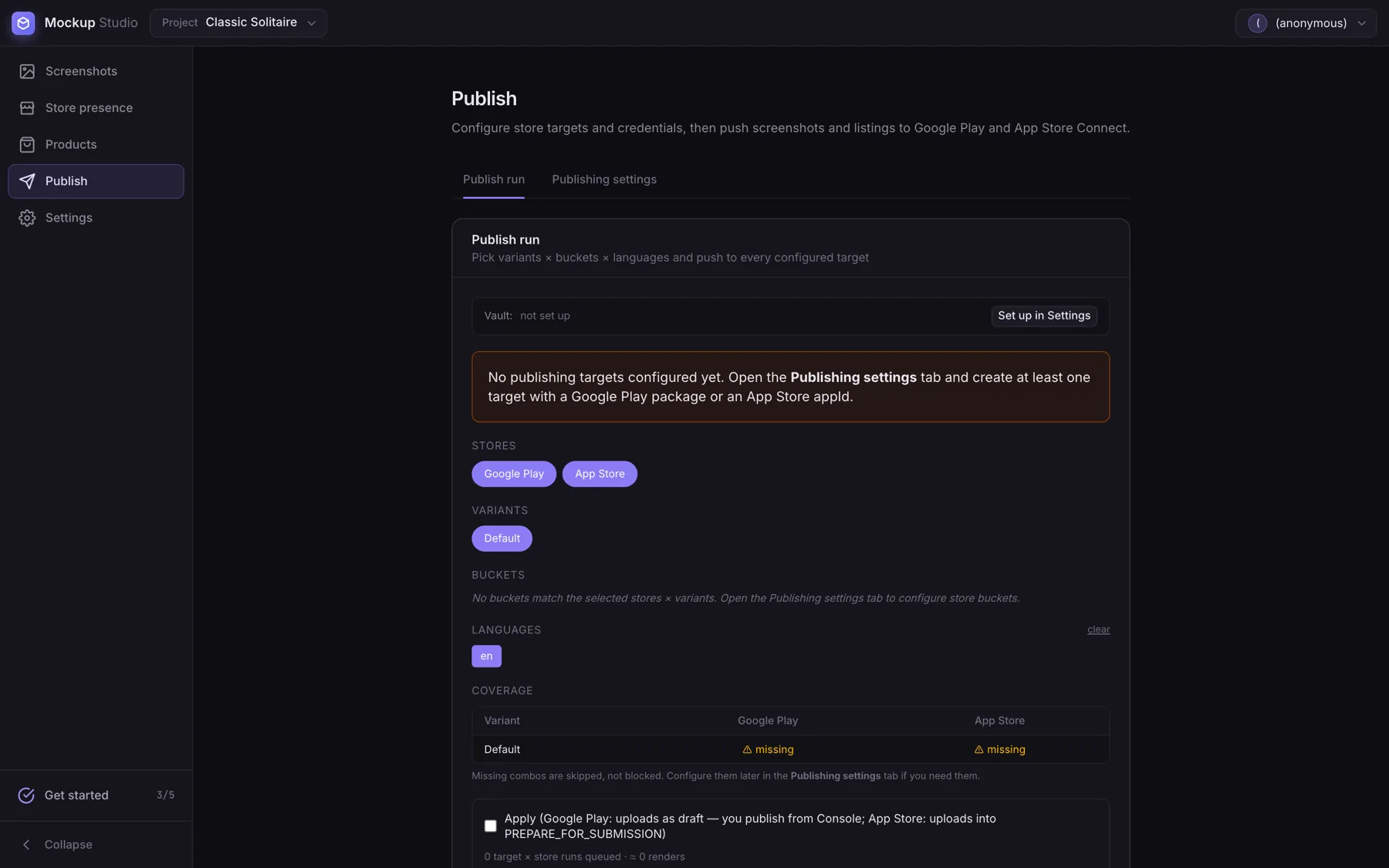
A browser tool that renders every store screenshot across variant, language, screen and device — then publishes them to Google Play and App Store Connect without a local toolchain.
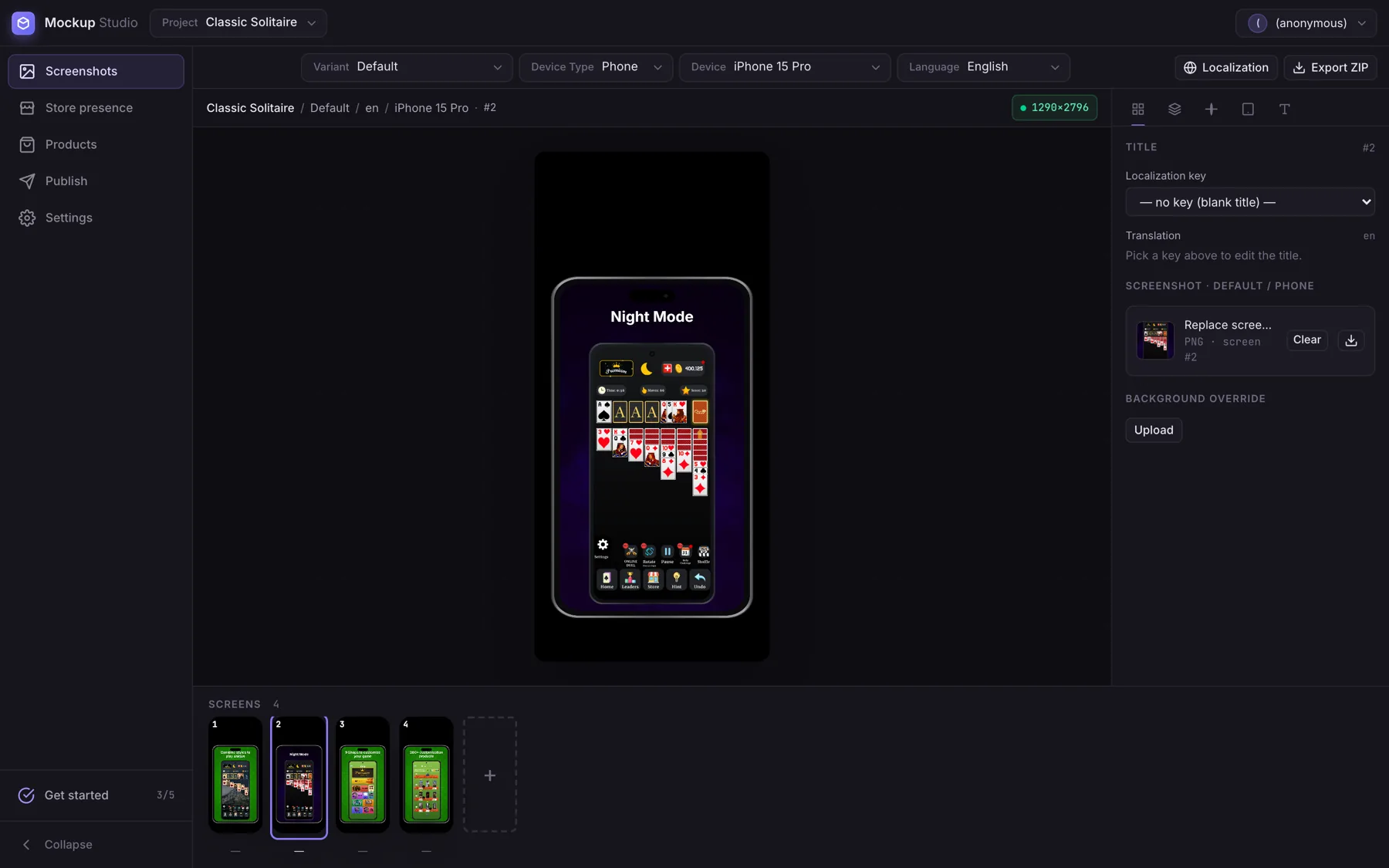
Mockup Studio generates store listing imagery for mobile apps: device frames, screenshots, backgrounds and localized titles, batch-rendered across every combination of variant, language, screen and device, and uploaded straight to Google Play and App Store Connect from the browser.
Store screenshot production is quietly one of the worst jobs in mobile release management. A single app with two themes, ten languages, six screens and several device sizes needs hundreds of images, every one of which has to be regenerated whenever a screen or a translation changes — and then uploaded by hand into two consoles. Tooling for it normally means a local script pipeline that only one person on the team can actually run.
The whole pipeline runs in the browser. Projects live in Firestore, screenshots and backgrounds in Cloud Storage, and screens carry a translation key rather than a translated string, so renaming a key updates every screen using it. Publishing signs its own JWTs in the page using the Web Crypto API — RS256 for Google, ES256 for Apple — and calls the store APIs directly. Credentials are supplied either in-memory from disk or from an end-to-end encrypted vault, so private keys never sit on a server.
Variant, language, screen and device multiply out automatically — a screen or translation change regenerates the whole matrix.
The Android Publisher and App Store Connect APIs are called from the browser, so a full listing update never leaves the tab.
RS256 for Google and ES256 for Apple, signed with the Web Crypto API against keys that are never uploaded to a server.
Publishing credentials can be stored encrypted client-side, or supplied from disk in memory only and discarded on reload.
A screen references a title key, so renaming or retranslating updates every screen that uses it at once.
Six device frames ship as SVG plus a screen-area rectangle and output canvas size; new ones can be added without a release.
We choose the stack around the product — not the other way around.
Vue 3, Pinia, TypeScript, Vite, Firebase Auth, Firestore, Firebase Storage, Web Crypto API, Google Android Publisher API, App Store Connect API, GitHub Actions
We worked on the product development and implementation, focusing on building a polished, functional and user-friendly experience aligned with the goals of the product.